
Mountain valley environment from the Mirage visual feedback library
The Mirage™ Systems / Biofeedback

A moment of focus.
A world of
possibility.

Step into a more engaging biofeedback experience. Guided activities, responsive environments and thoughtful session controls, for clinics and individuals.

DESKTOP FOR CLINICS · MOBILE FOR INDIVIDUALSSelected Mirage feedback environment
01 / Feedback, felt differently

Not just a signal.
An experience to follow.

Mirage turns a session’s selected feedback goal into a visual experience. Nature scenes, sound and guided activities give that experience a clear focus.

Mountain valley scene from Mirage
Misty Valley · A spacious landscape for focused feedback.
50

Environments.
A different way to engage.

The desktop scene library spans woodlands, gardens, mountain landscapes and space-inspired journeys. Visual changes are connected to the selected session goal.

Select a thumbnail to preview a scene from the application’s library.

Selected stills from Mirage’s visual environments
02 / Two ways to experience Mirage

In the clinic.
In your own space.

For clinics / Desktop

Guide the session.
Shape the experience.

A configurable workspace for biofeedback sessions, with controls for goals, timing, channels, media and program steps.

THE MIRAGE SYSTEMSFEEDBACK ENVIRONMENT

Selected butterfly feedback scene from the desktop application
  • Reusable session setups ↗
  • Goals, channels and manual scales ↗
  • Multi-step program configuration ↗
  • Recorded signals and session review ↗
For individuals / Mobile

A little space
for personal focus.

Mobile experiences for Android and iPhone / iPad bring guided activities and session controls to an individual’s screen.

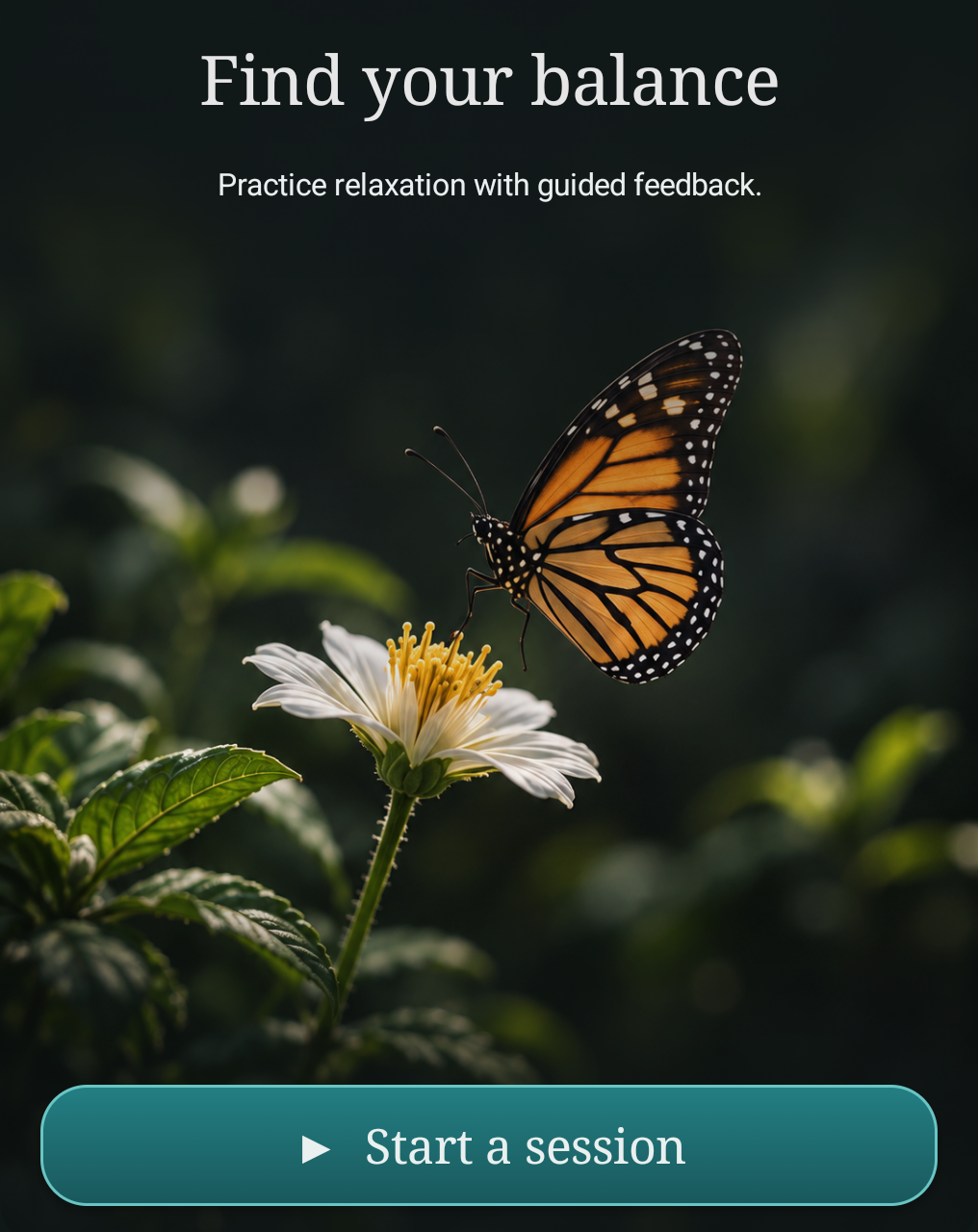
Mirage mobile home detail
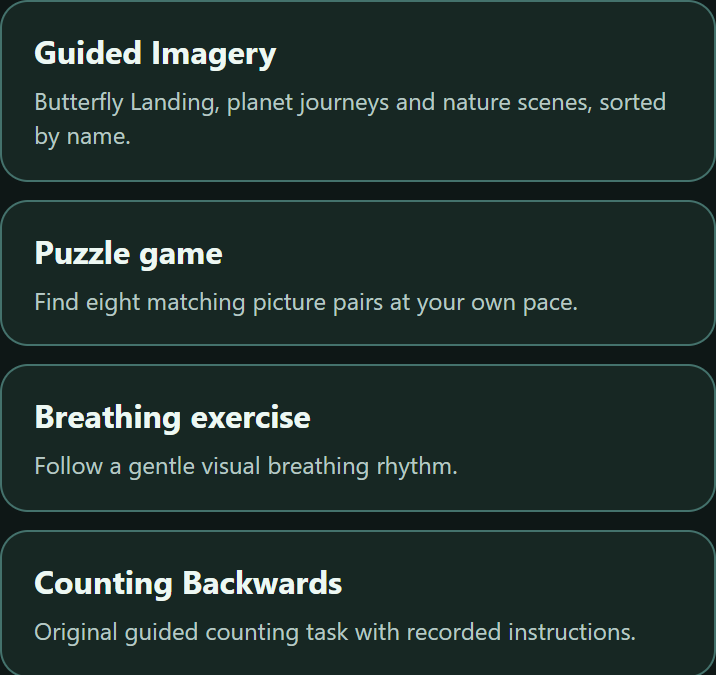
Cropped mobile activity choices including imagery, matching pictures, breathing and counting
  • Guided imagery and focused activities ↗
  • Personal session and media settings ↗
  • Session history and progress review ↗
  • Contact us for availability and compatible devices ↗
03 / Find your starting point

Different activities.
A shared sense of focus.

The mobile experience offers several ways to engage, from visual breathing prompts to imagery and matching pictures.

Garden scene from the Mirage library
01 / Guided imagery

A change of scenery.

Explore nature scenes, the original butterfly experience and planet-inspired journeys in the imagery library.

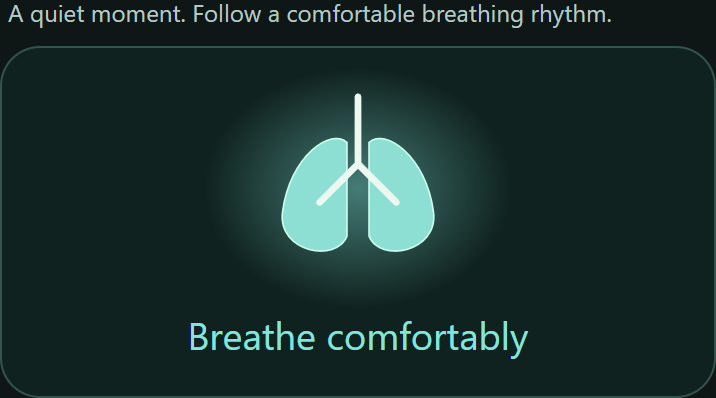
Cropped visual breathing prompt from Mirage
02 / Breathing

Follow a gentle rhythm.

A clear visual prompt and configurable timing provide a simple structure for a breathing session.

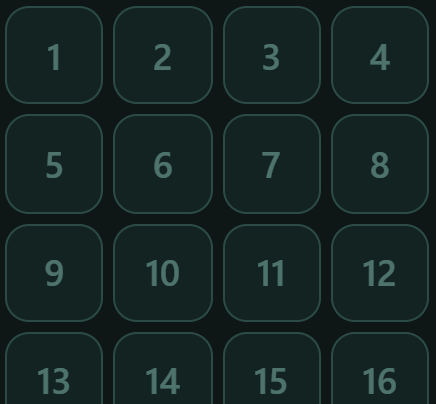
Cropped matching-picture grid from Mirage
03 / Matching pictures

Give attention a task.

A picture-pair activity offers another way to engage with a focused individual session.

Before your first session

A clearer
starting point.

What is the difference between desktop and mobile?

The desktop application provides a clinic-oriented session environment with broader setup and program controls. Mobile applications focus on individual activities, session settings and review. Features vary by platform.

How do the visual environments work?

Mirage’s feedback scenes respond to the selected measurement and session goal. The gallery above shows still previews of those environments, rather than a live sensor session.

Which devices and platforms are supported?

Contact InterCare for current platform availability, supported sensor models and the setup appropriate for your use. Hardware compatibility and available measurements depend on the specific application and device.

Start a conversation

What’s next
for your care?

Let’s explore what we can build together.

Talk to InterCare Dx